Upscale, Restore & Modify – all in one editor.

- old photos
- illustrations
- artworks
- landscape photos
- wedding photos
- designs
- drawings
- portraits
- movie posters
- game graphics
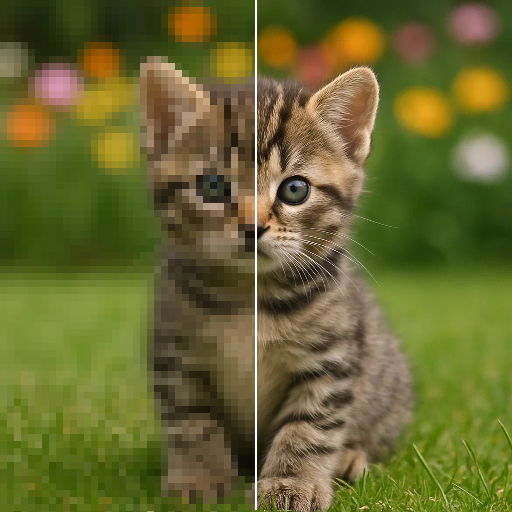
is a matter of luck.
Faces change. Details are misinterpreted.
And if something goes wrong, you have to start over again.
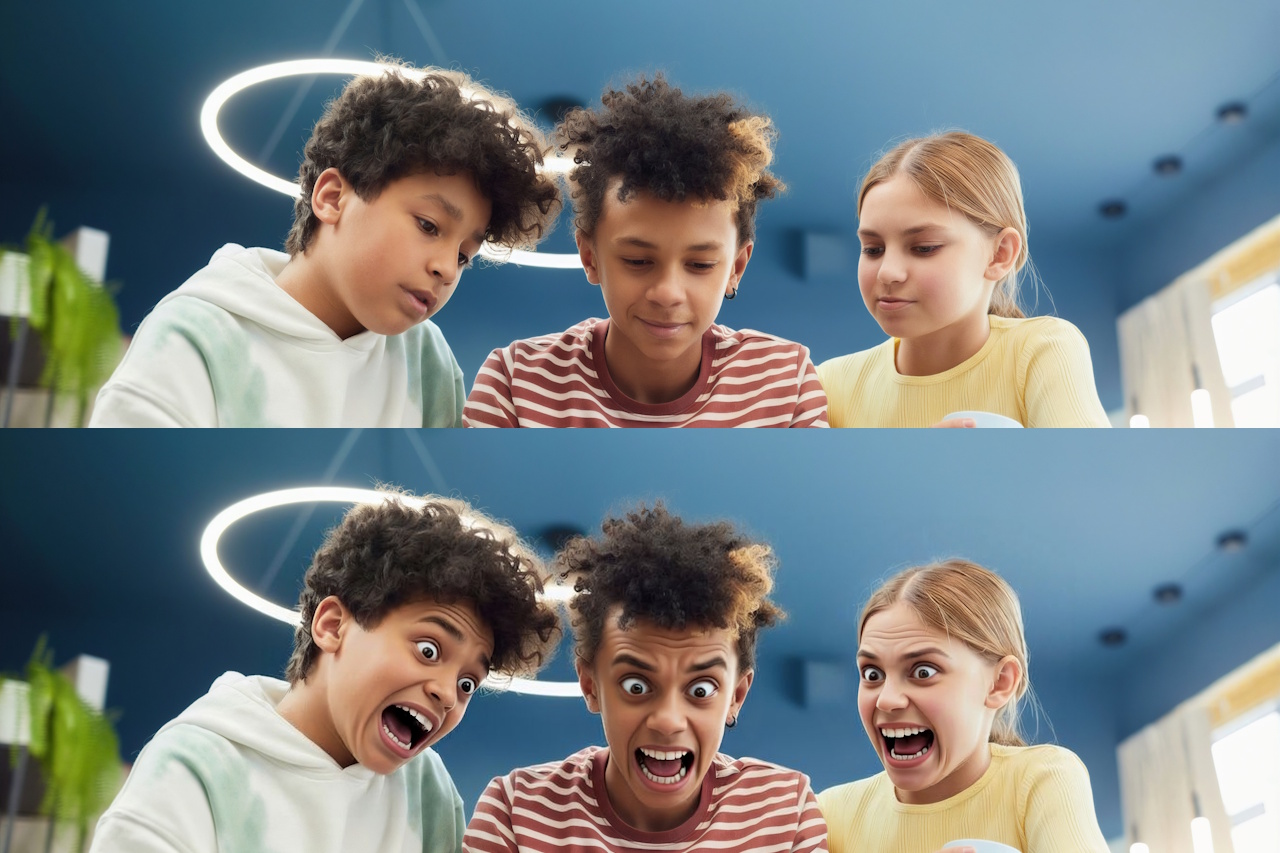
You decide what gets changed.
Upscale your image.
Refine details selectively.
Restore content true to the original or consciously adjust it.
And go one step back at any time.
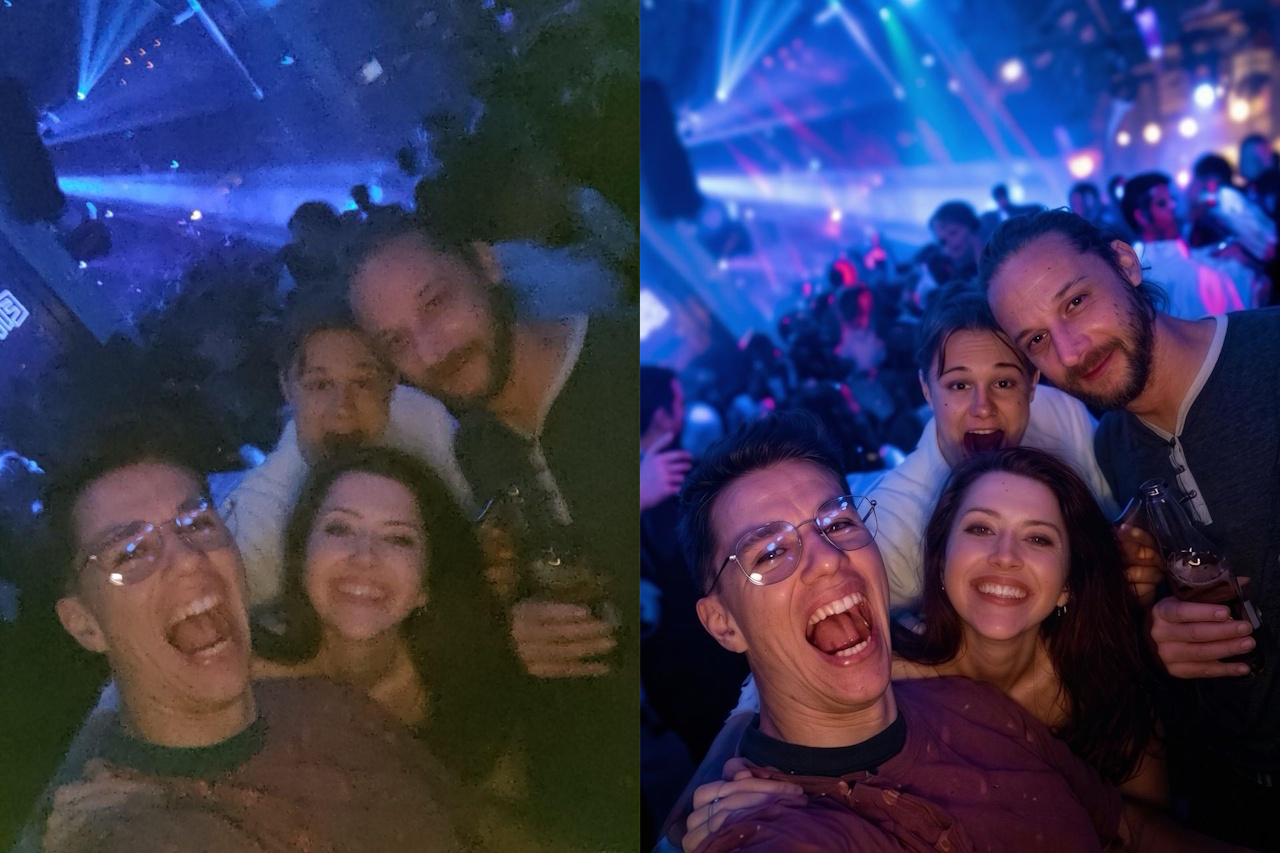
The three tools can be used flexibly and combined, so that you can achieve the result you envision step by step. Without detours, without complicated settings, directly in the browser.
UpSynth automatically analyzes your image, reconstructs missing details, and reduces common disturbances such as artifacts or image noise, while preserving important structures and the character of the original.
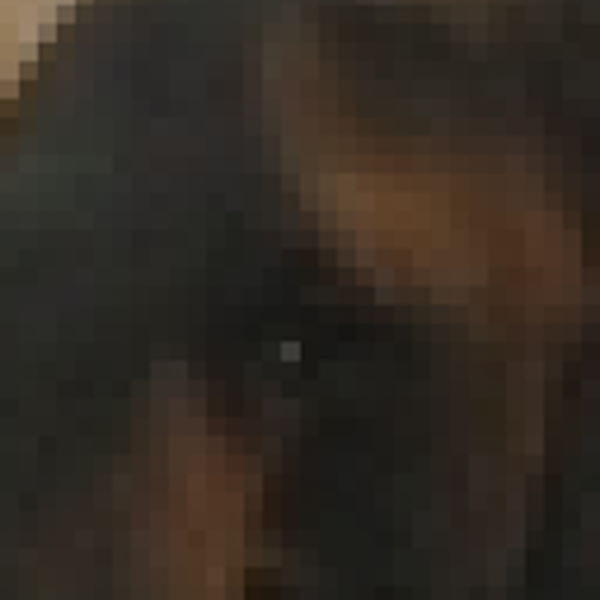
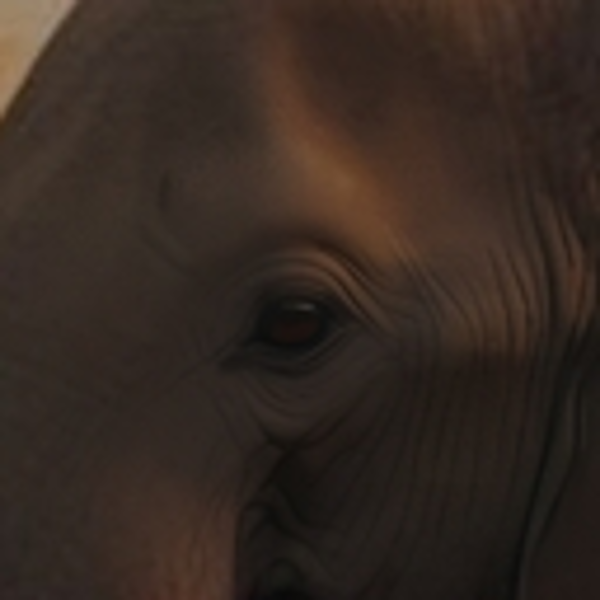
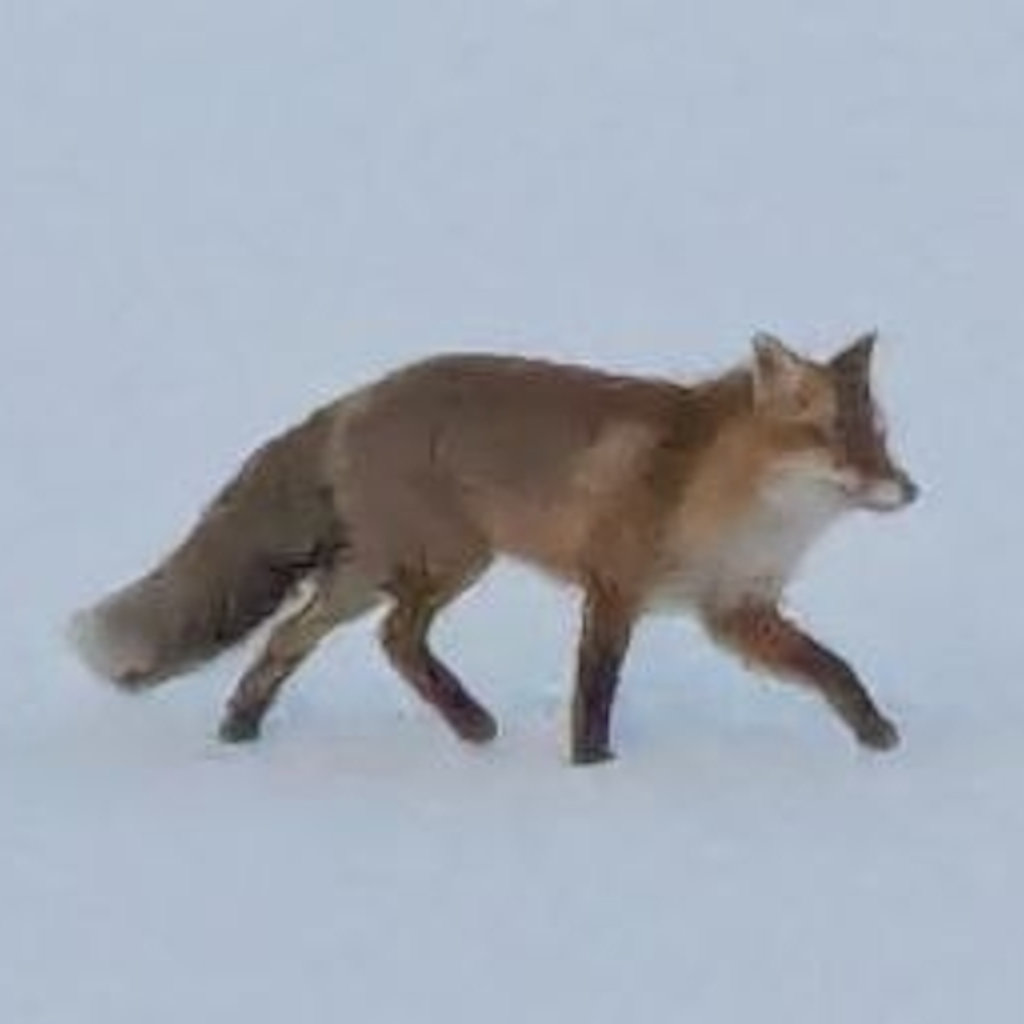
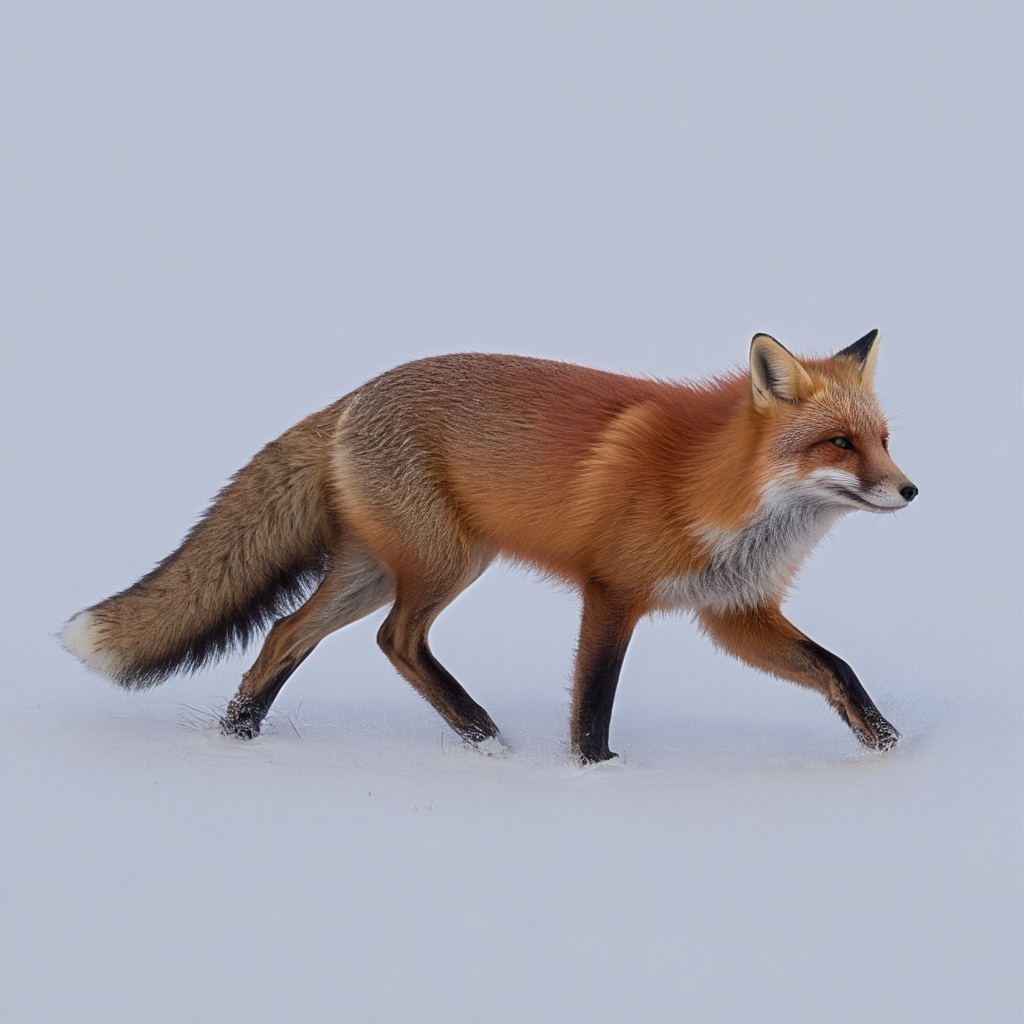
Incorrectly interpreted or distorted image areas are selectively restored. You simply mark the desired area, UpSynth reconstructs it based on the original and reduces creative liberties to a minimum.
Ideal for faces, old photos, or sensitive details where accuracy is crucial.
Whether replacing objects, removing elements, or changing visual details: UpSynth interprets your instruction in context and creates multiple variants for you to choose from.
Modify is perfectly suited for creative adjustments, corrections, and deliberate interventions, without recalculating the entire image.
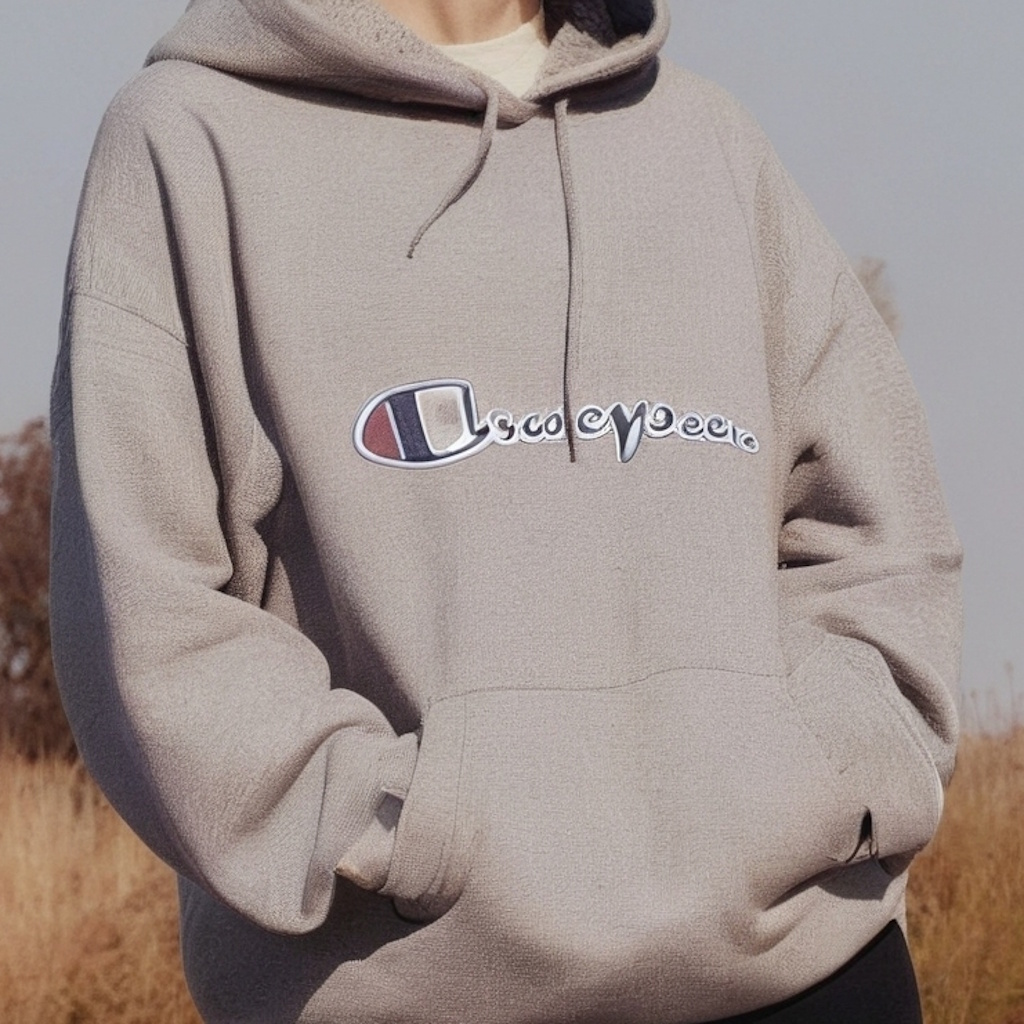
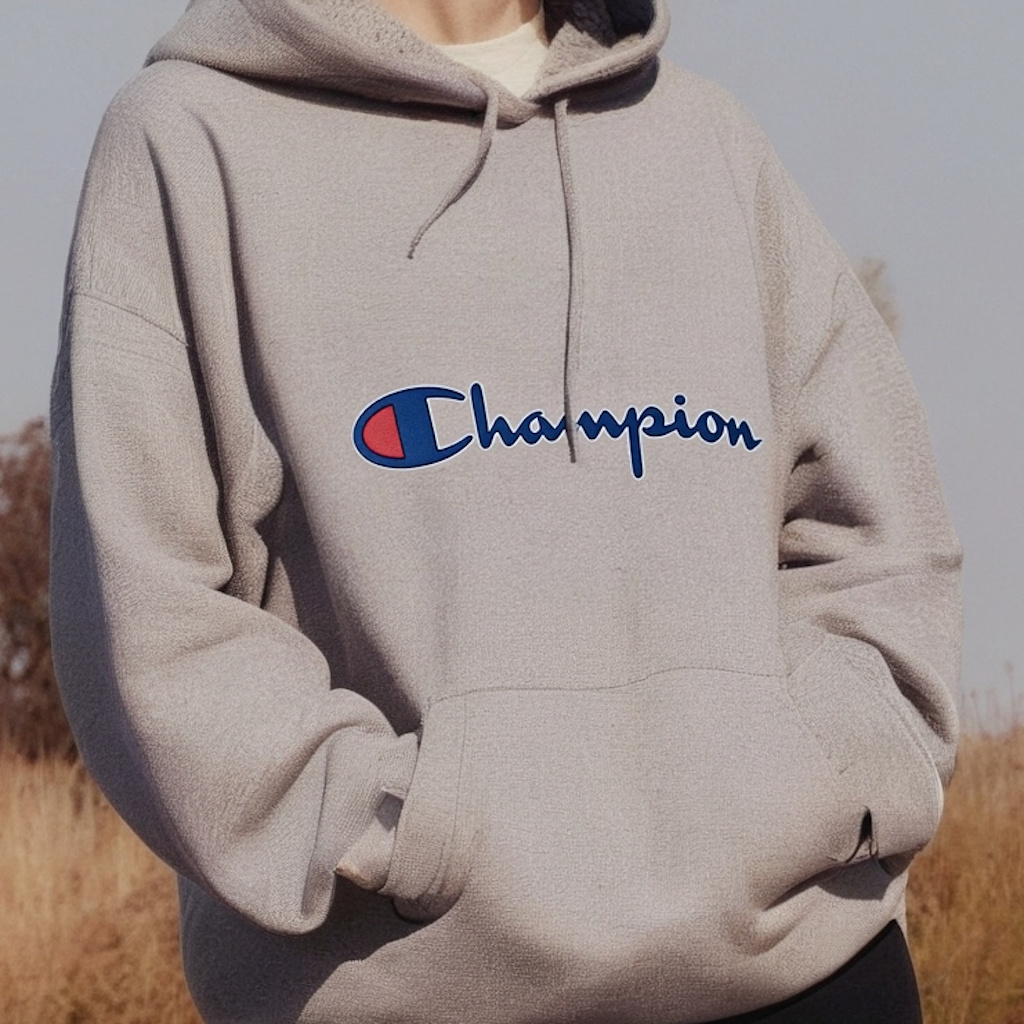

but a controllable upscaling process.
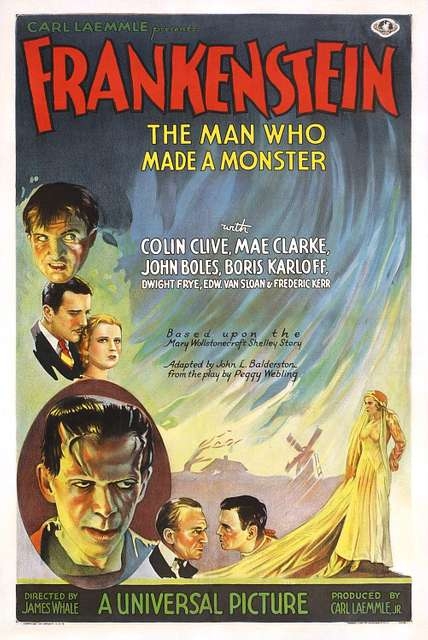
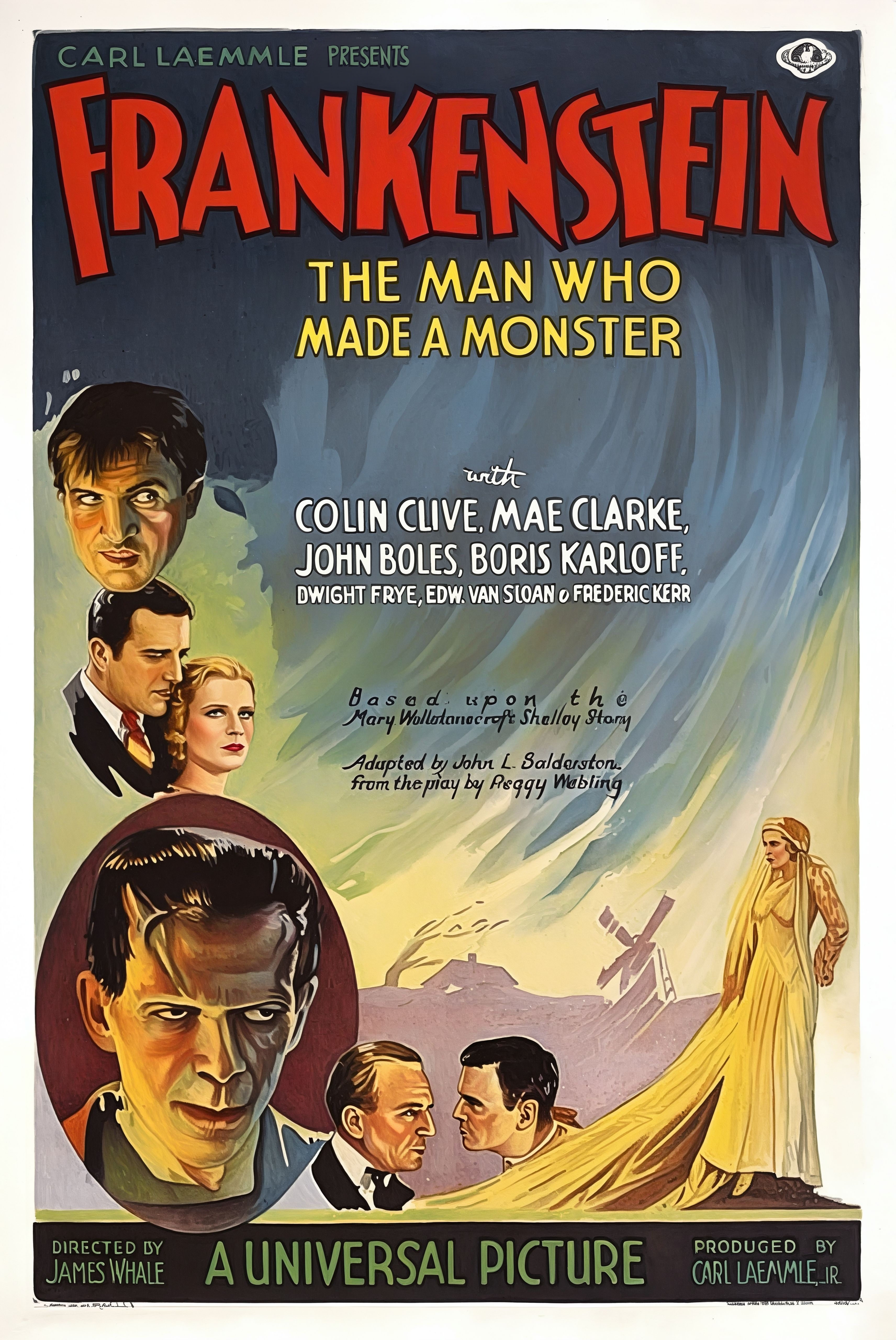
This classic Frankenstein poster was brought back to life from a blurry, old digital version with UpSynth.
Whether you have old movie posters, flyers, scanned photos, or illustrations, with UpSynth you can prepare them in brilliant resolution for print or web.
You decide how creative our AI is allowed to be. The magic value controls how strongly UpSynth “interferes” with the image. Low values stay very close to the original, higher values allow more freedom for imaginative details, fill in blurs, and generate new structures.
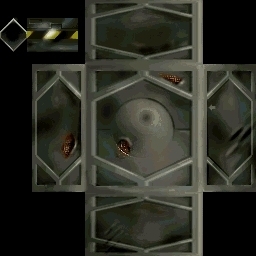
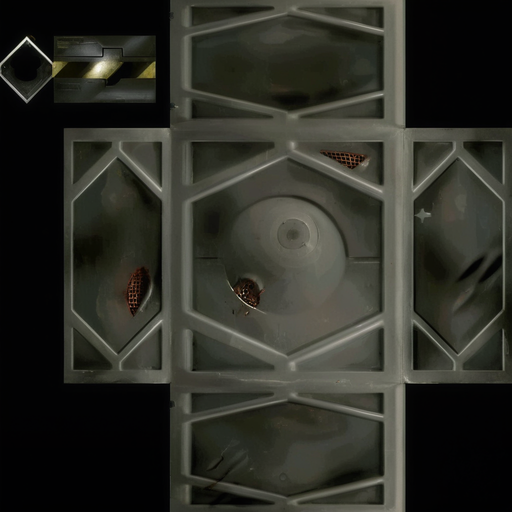
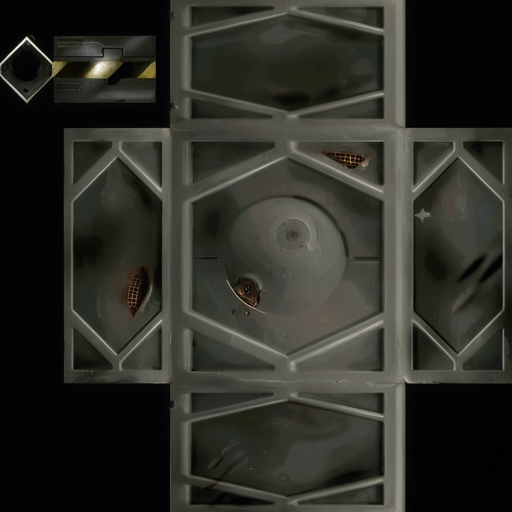
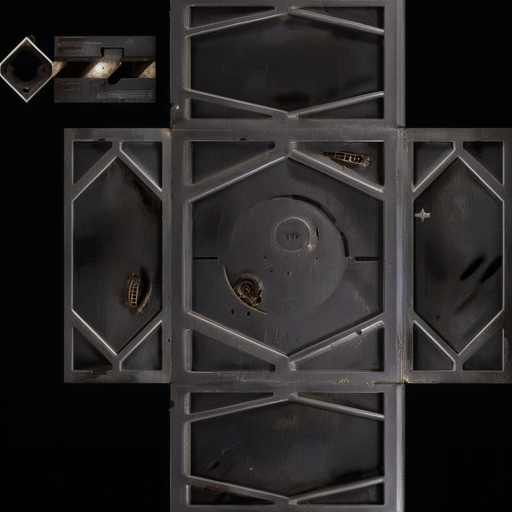
At 50 % the AI supplements very conservatively and adheres strictly to the original. 100% is the recommended setting. The AI only adds where it makes sense and remains stylistically close to the original. At 150% it is allowed to become more creative, which is perfect for generative details, but also comes with more risk of interpretation.
Through repeated saving, JPEG images become increasingly compressed. The resulting image artifacts and loss of detail remain even when later saved in other formats. Our AI removes these artifacts and restores natural image details, optionally also without enlarging the image.
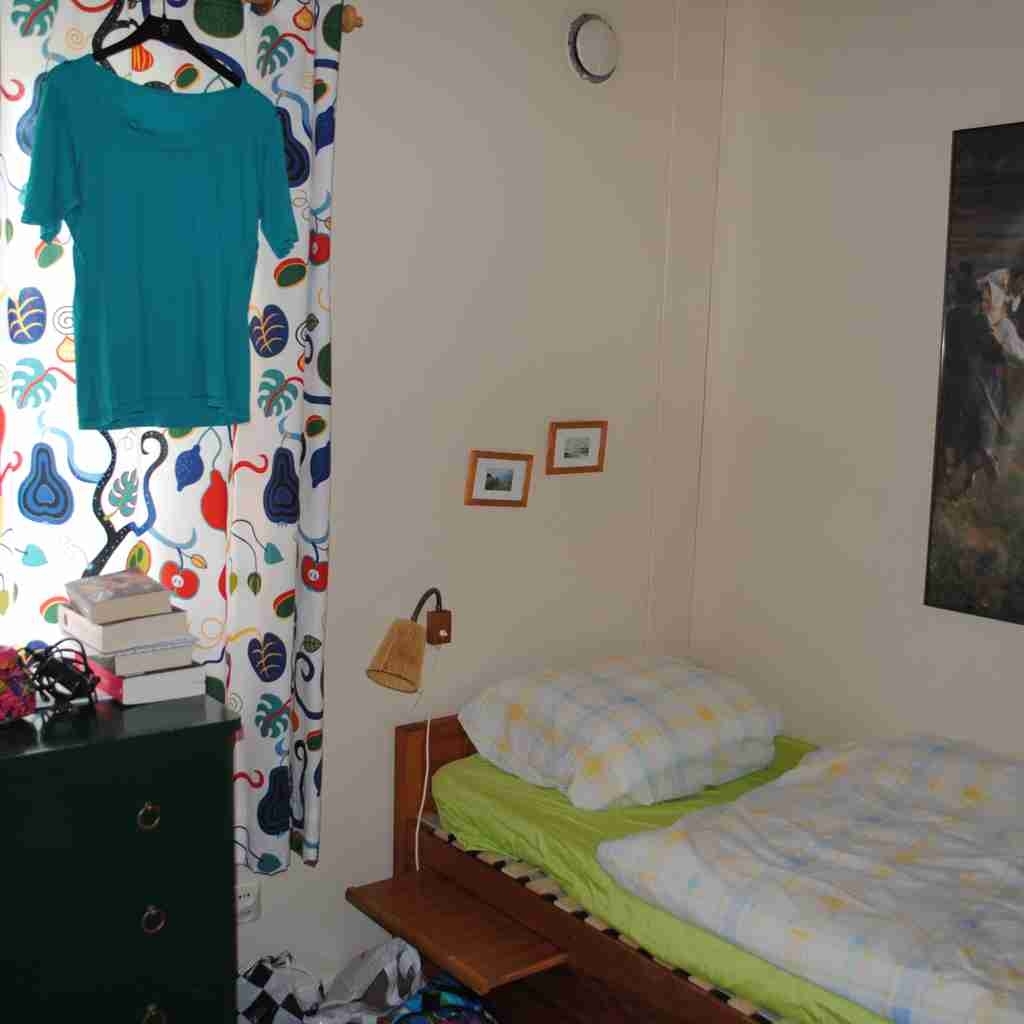
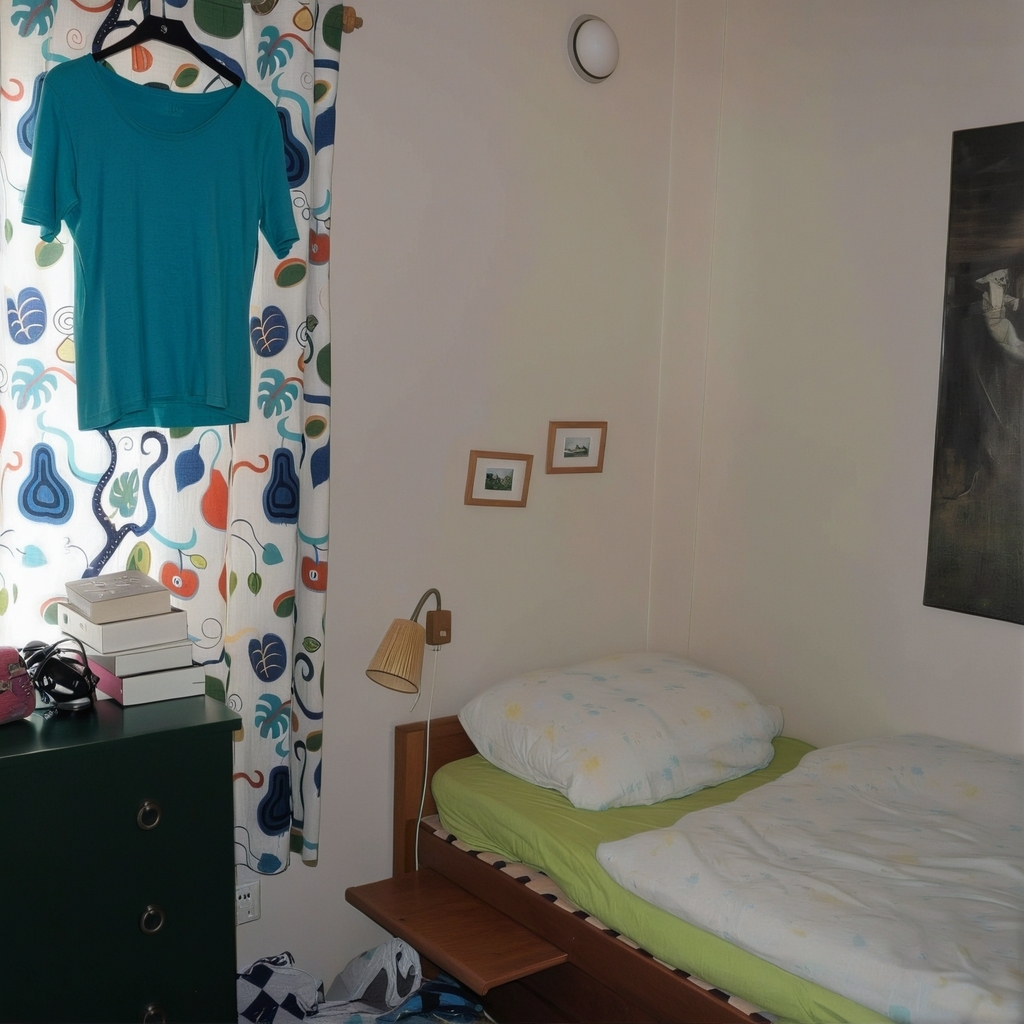
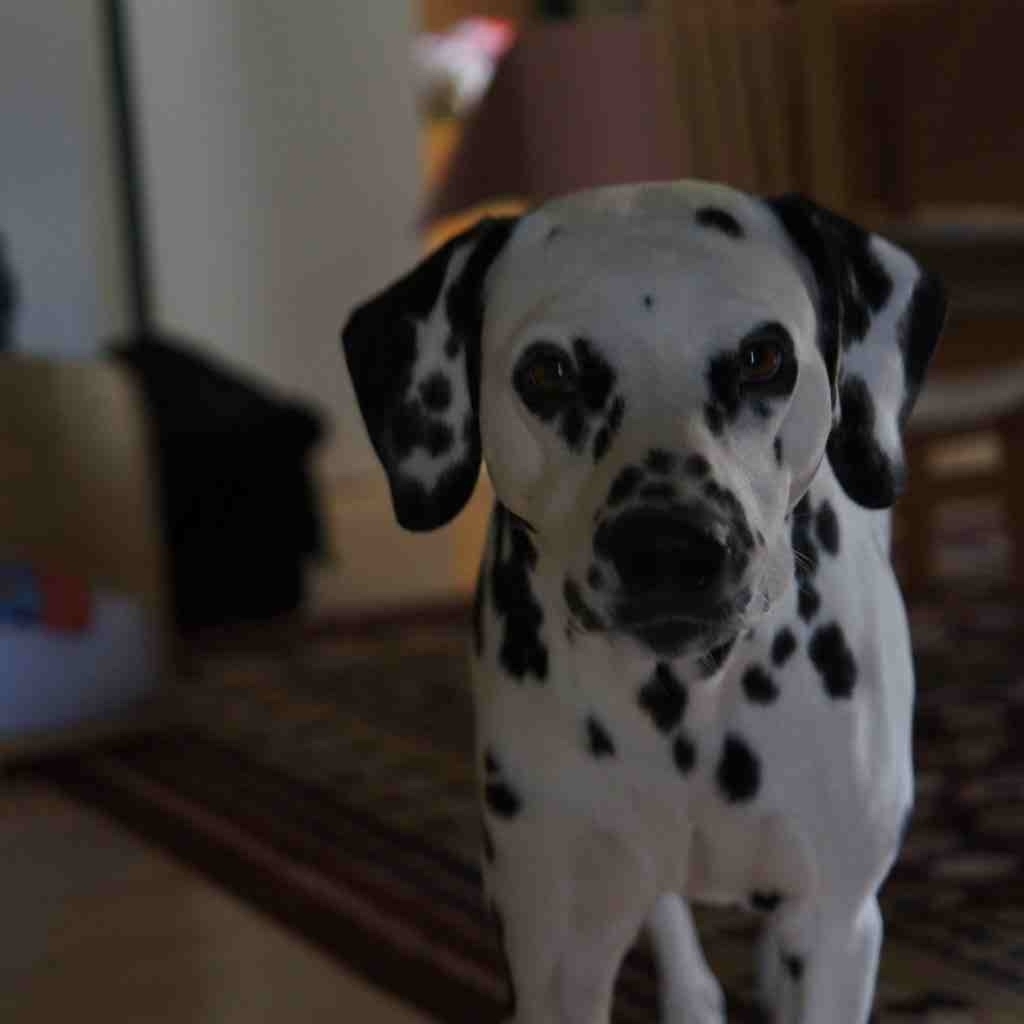
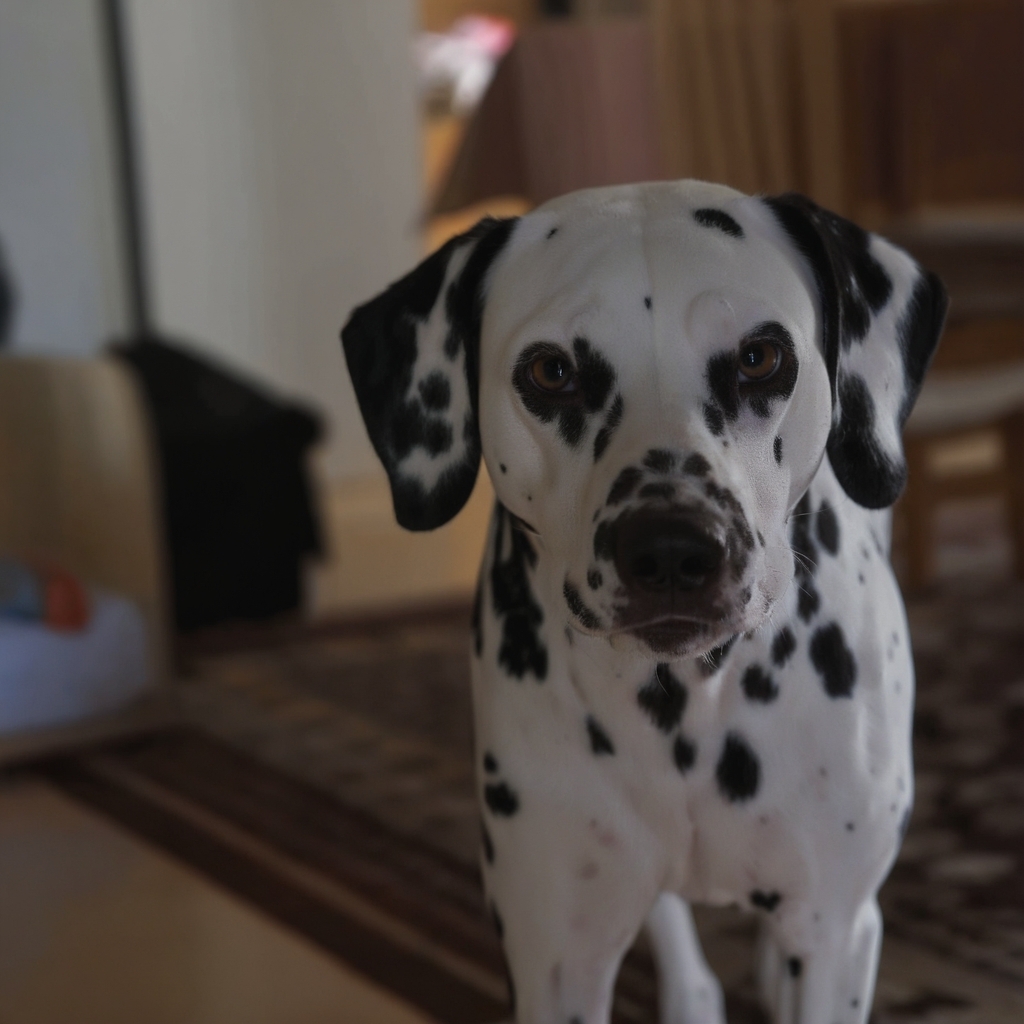
With UpSynth, you can not only enhance images, but also develop them further in a targeted way. If details are missing, damaged, or are to be deliberately changed, Modify gives you the necessary freedom without losing control.
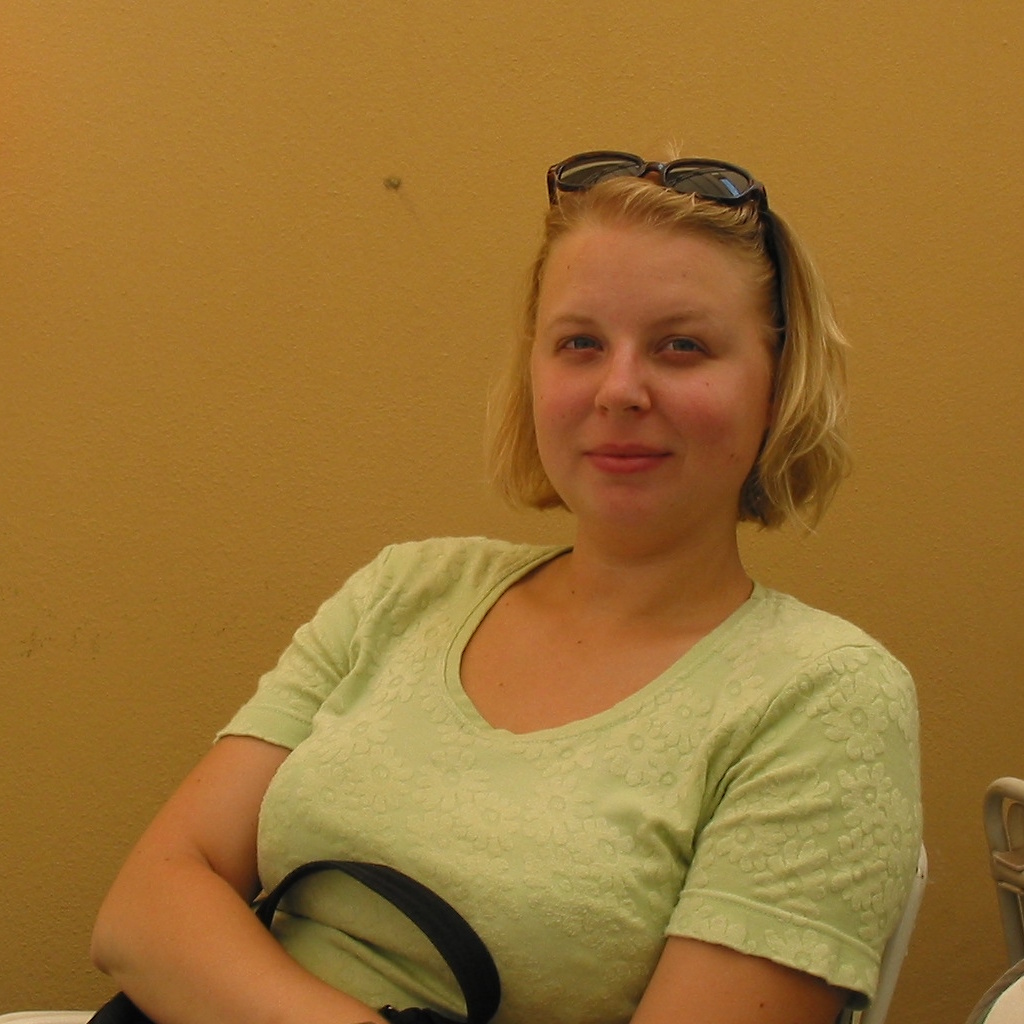
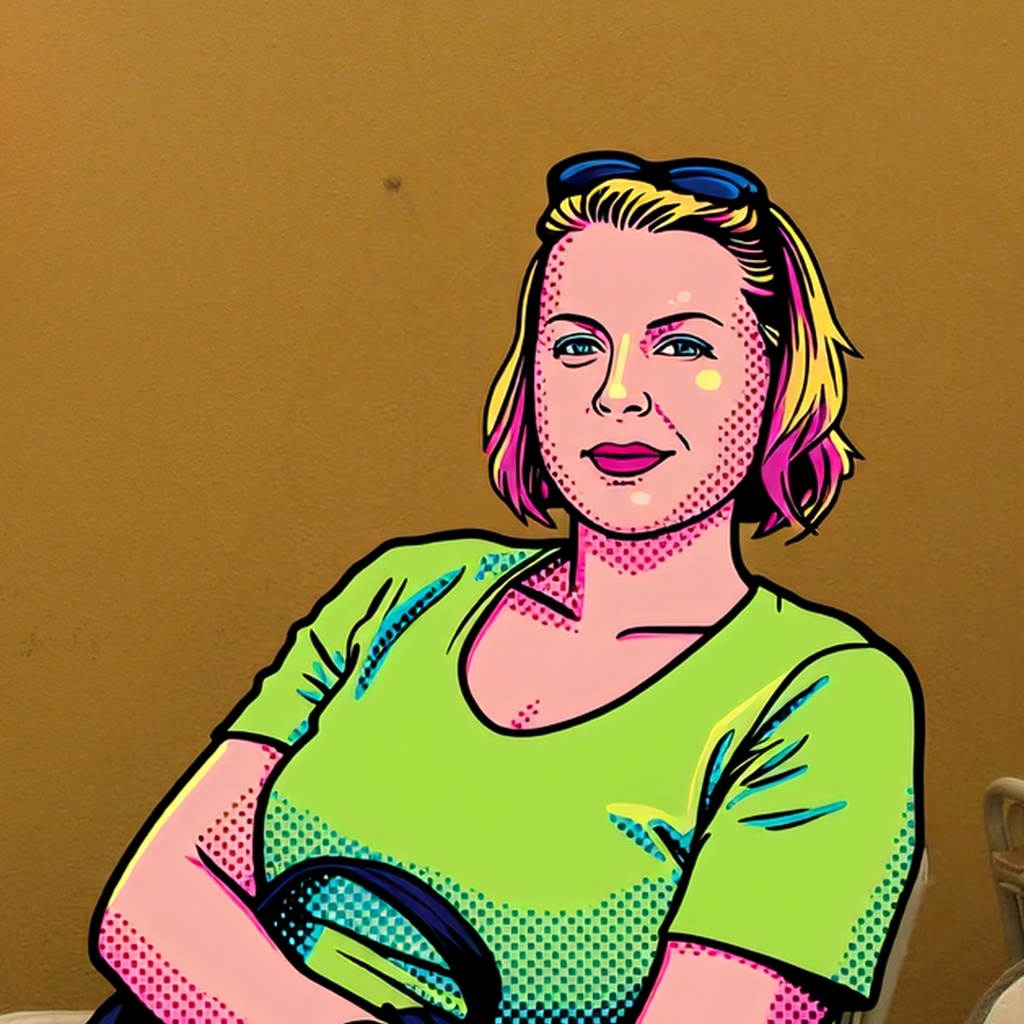
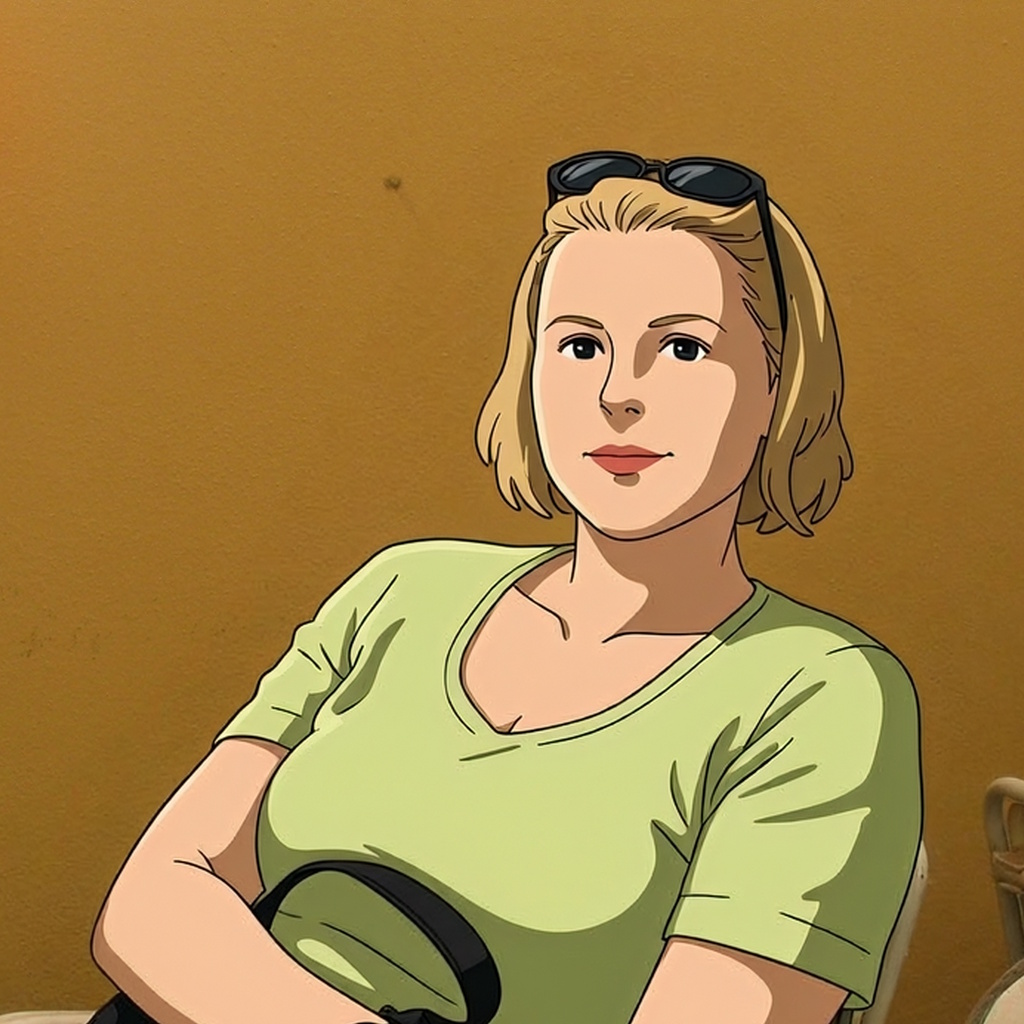
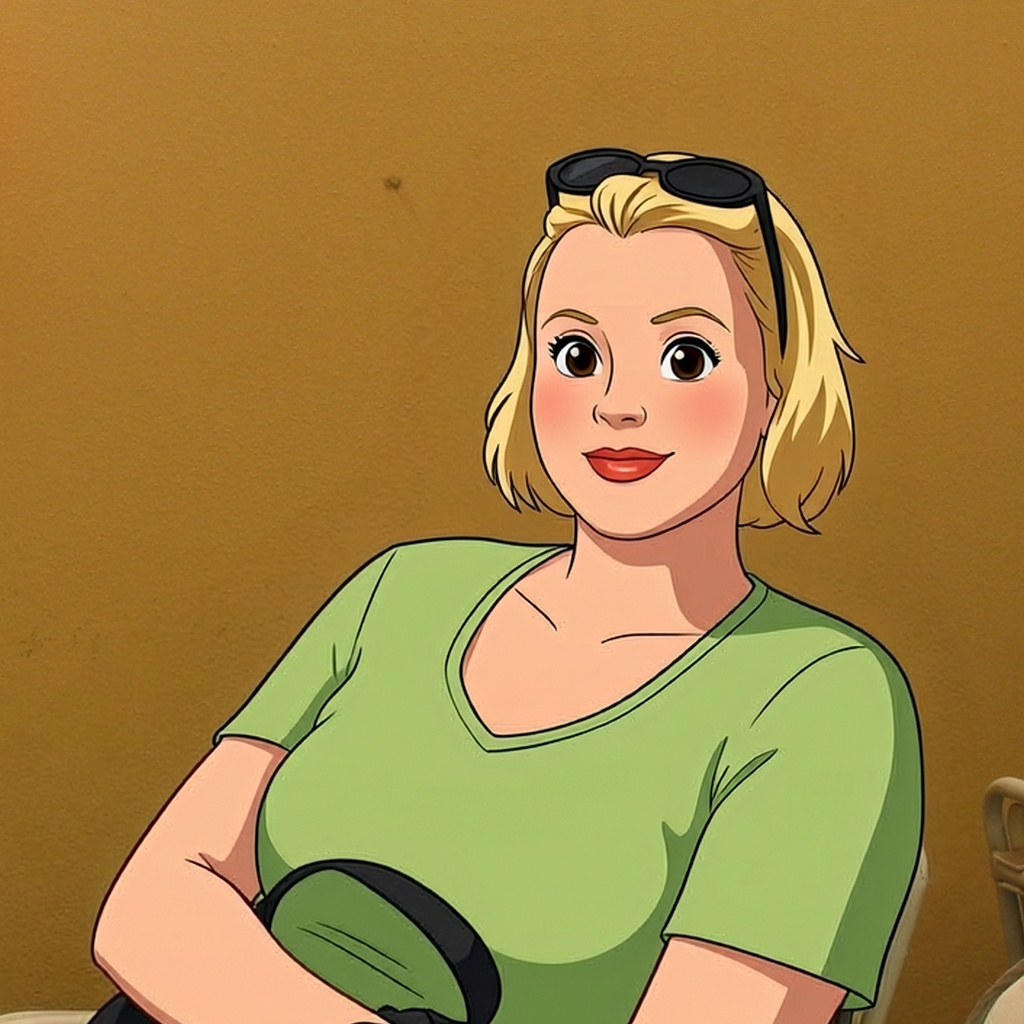
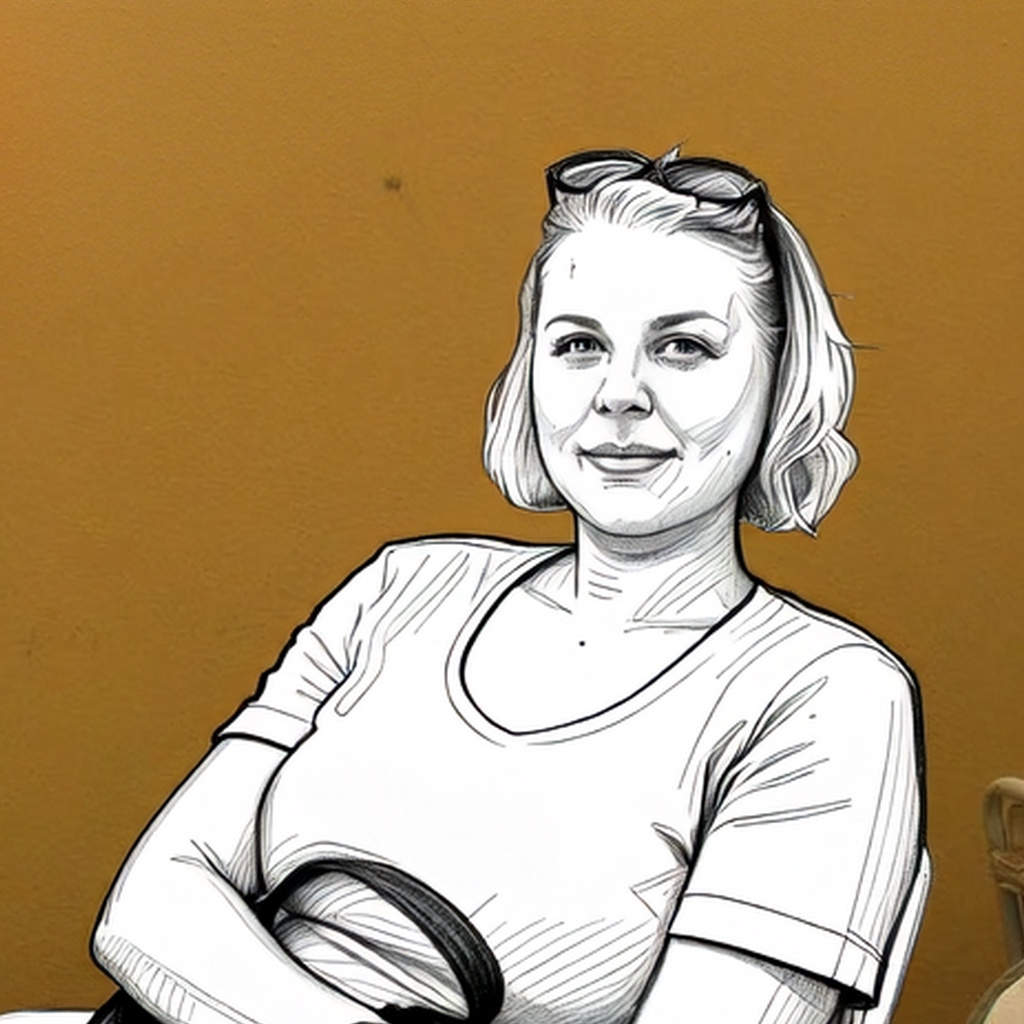
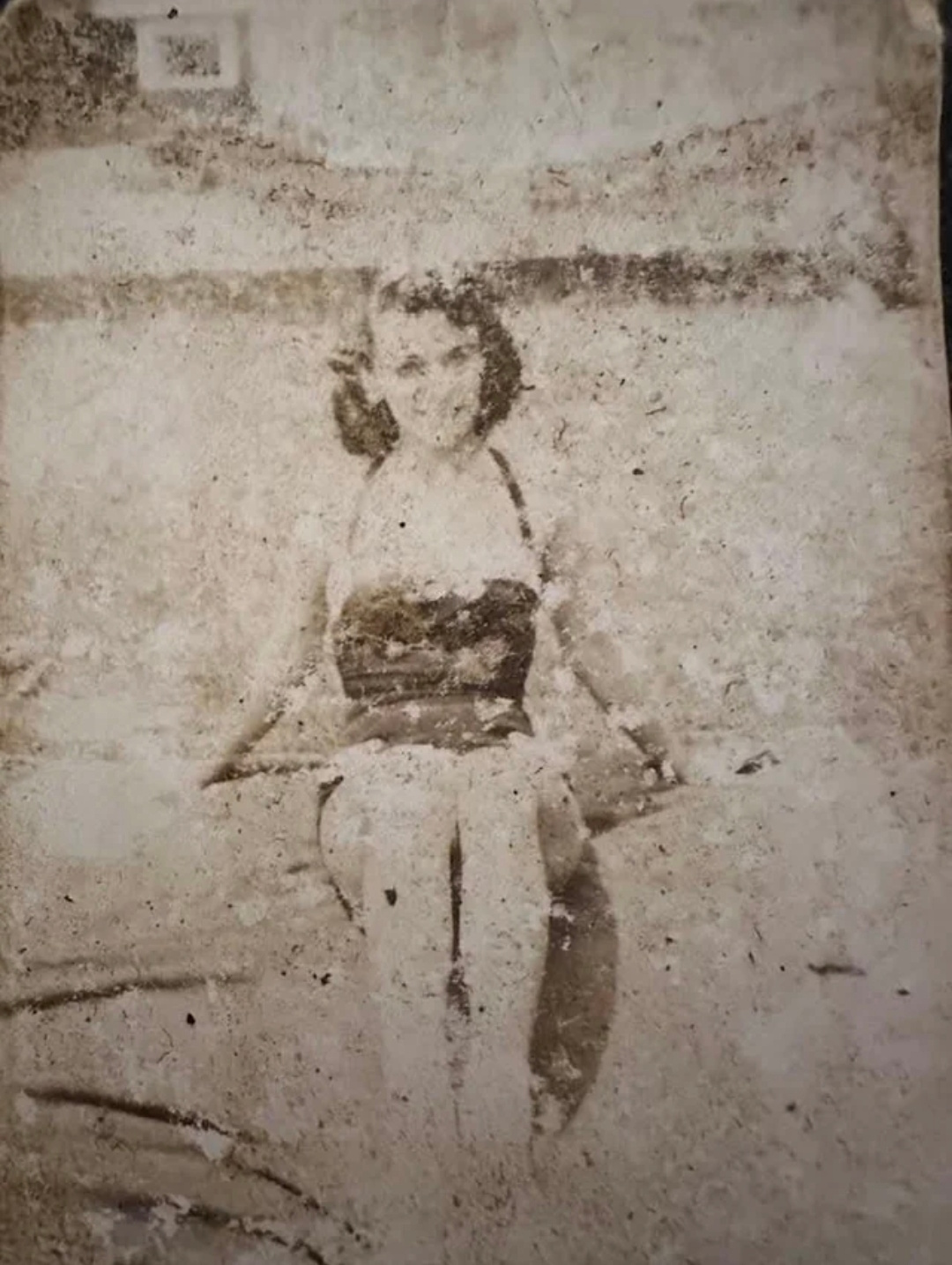
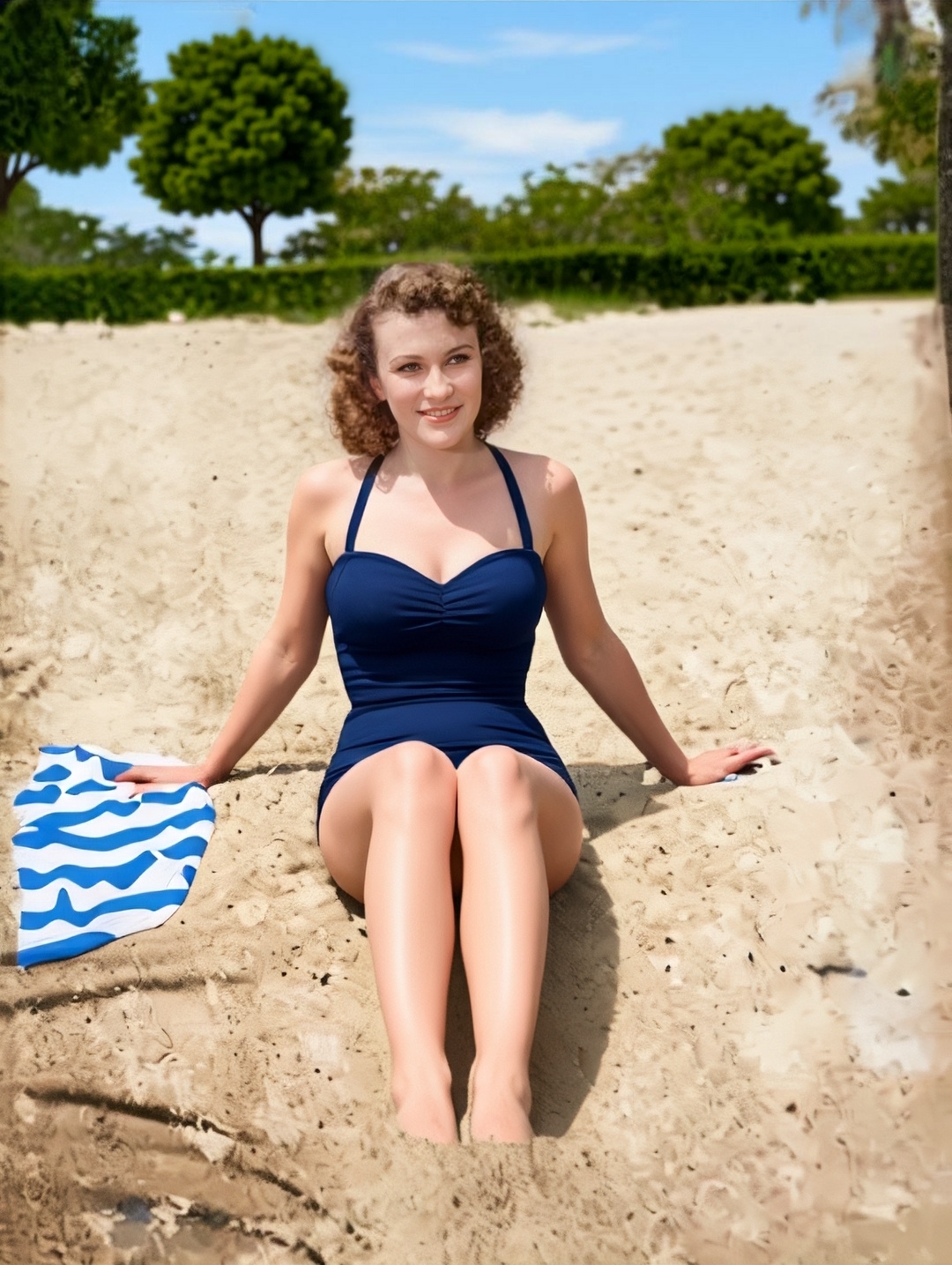
A short prompt in Modify mode is enough to selectively supplement missing or damaged image areas and make old photos recognizable again.
Even heavily damaged or very old photos can be restored this way. UpSynth creates multiple variants for you to choose from. If the result is not quite right yet, each step can be further refined or undone.
With Restore, you can selectively restore exactly these areas. You mark the face or detail, and UpSynth reconstructs it as true to the original as possible based on the source image. This preserves identity while the overall image blends in harmoniously.
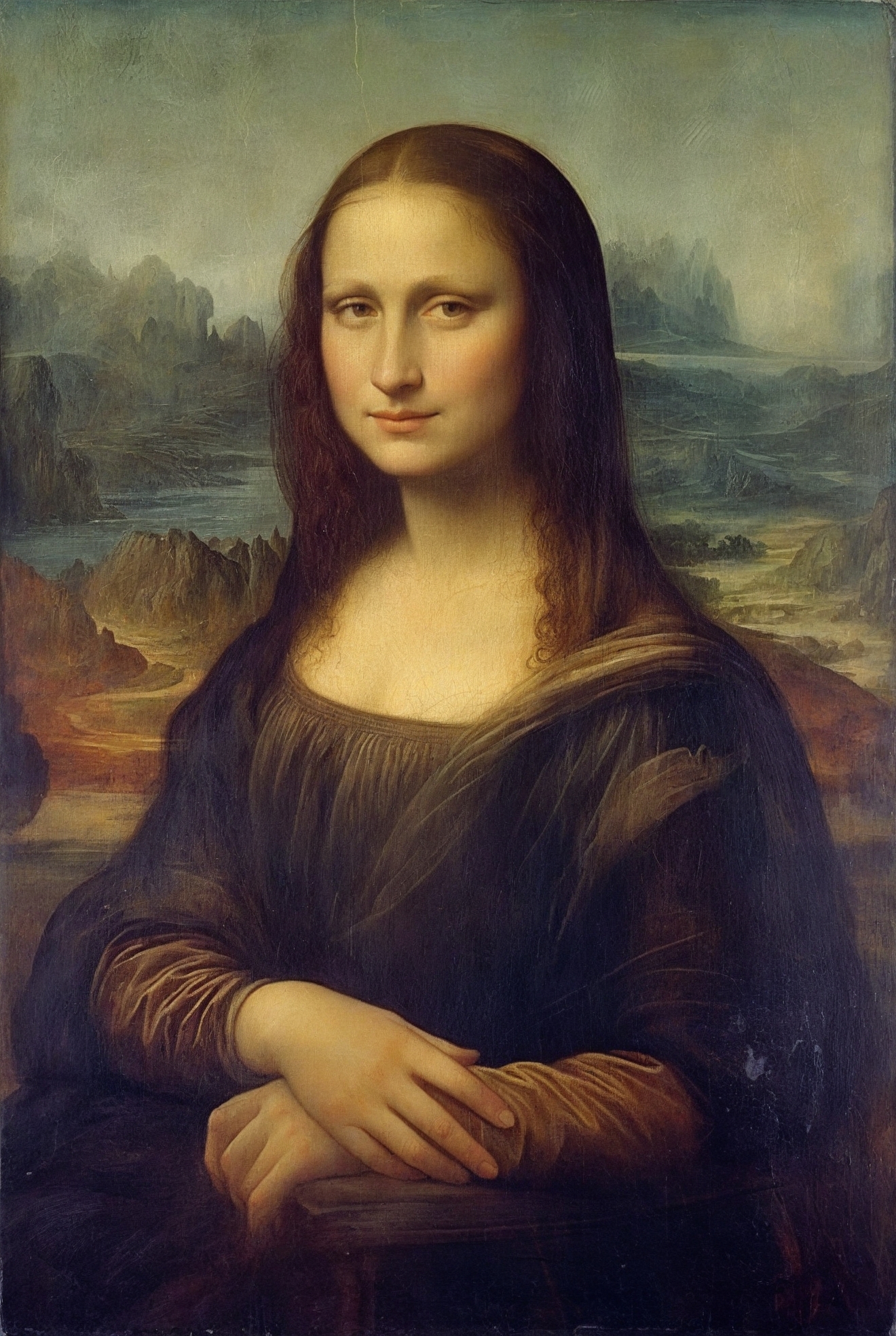
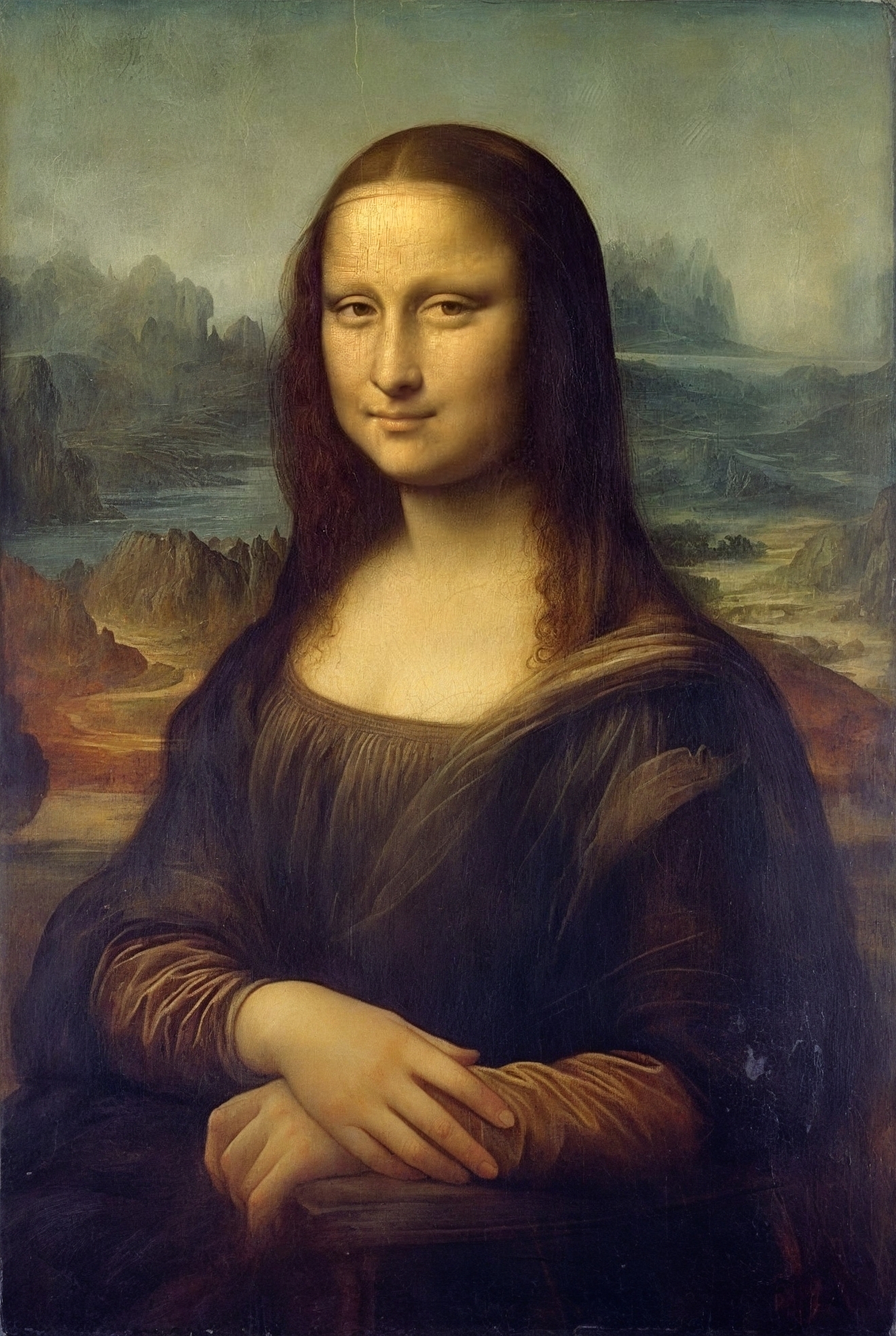
Test your first image for free, start a one-time trial if needed, or take a look at more results in our showcases. You only decide once you know whether it’s right for you.